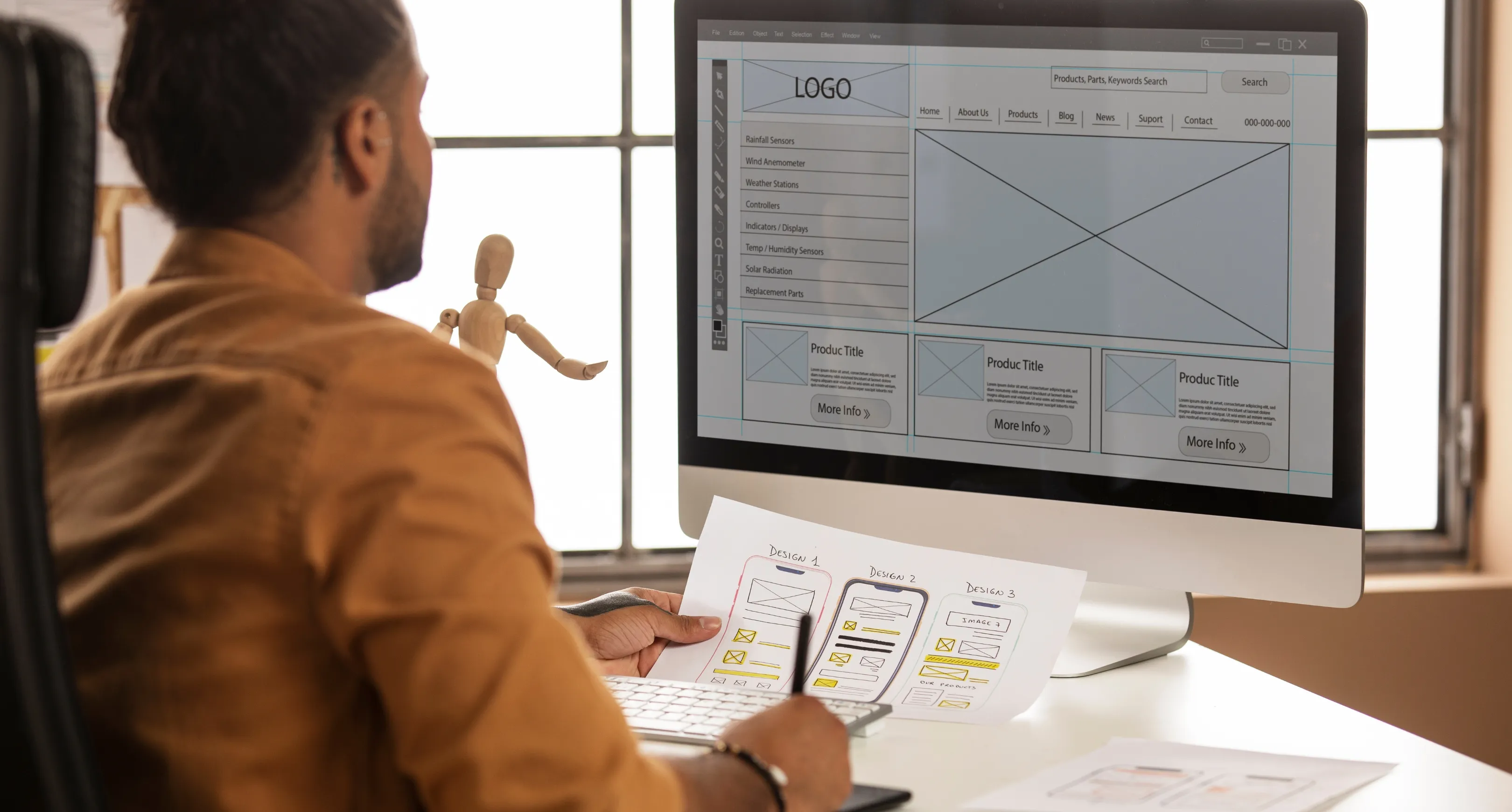
How a Wireframe-to-Prototype Workflow Shapes Successful Digital Products
Turning an idea into a usable digital product requires a clear and structured design process. Whether you're building a SaaS platform, mobile app, or enterprise dashboard, moving from wireframes to prototypes ensures better usability, stronger communication, and fewer development errors.
At Drenzi.in, we help companies create precise, high-quality UI/UX designs that reduce development risks, improve user experience, and speed up product launches.
What Is a Wireframe?
A wireframe is a low-fidelity blueprint that outlines structure, layout, and user flow—without focusing on design or visuals.
What Is a Prototype?
A prototype is a high-fidelity, interactive model that simulates real user interactions and mirrors the final product experience.
Wireframes = Structure
Prototypes = Interactive Experience
Prototypes = Interactive Experience
Why the Wireframe-to-Prototype Workflow Matters
A strong design workflow helps:
- Reduce development costs
- Avoid rework during development
- Improve communication between teams
- Align stakeholders on expectations
- Deliver a better user experience
Best Tools for Wireframing & Prototyping
1. Figma
Cloud collaboration, component libraries, real-time editing, and powerful prototyping features.
2. Adobe XD
Ideal for interactive prototypes with smooth animations and transitions.
3. Sketch
Perfect for macOS designers, offering a huge ecosystem of plugins.
4. Balsamiq
Best suited for low-fidelity wireframes and quick conceptual layouts.
5. Axure RP
Great for logic-based interactions and complex prototype simulations.
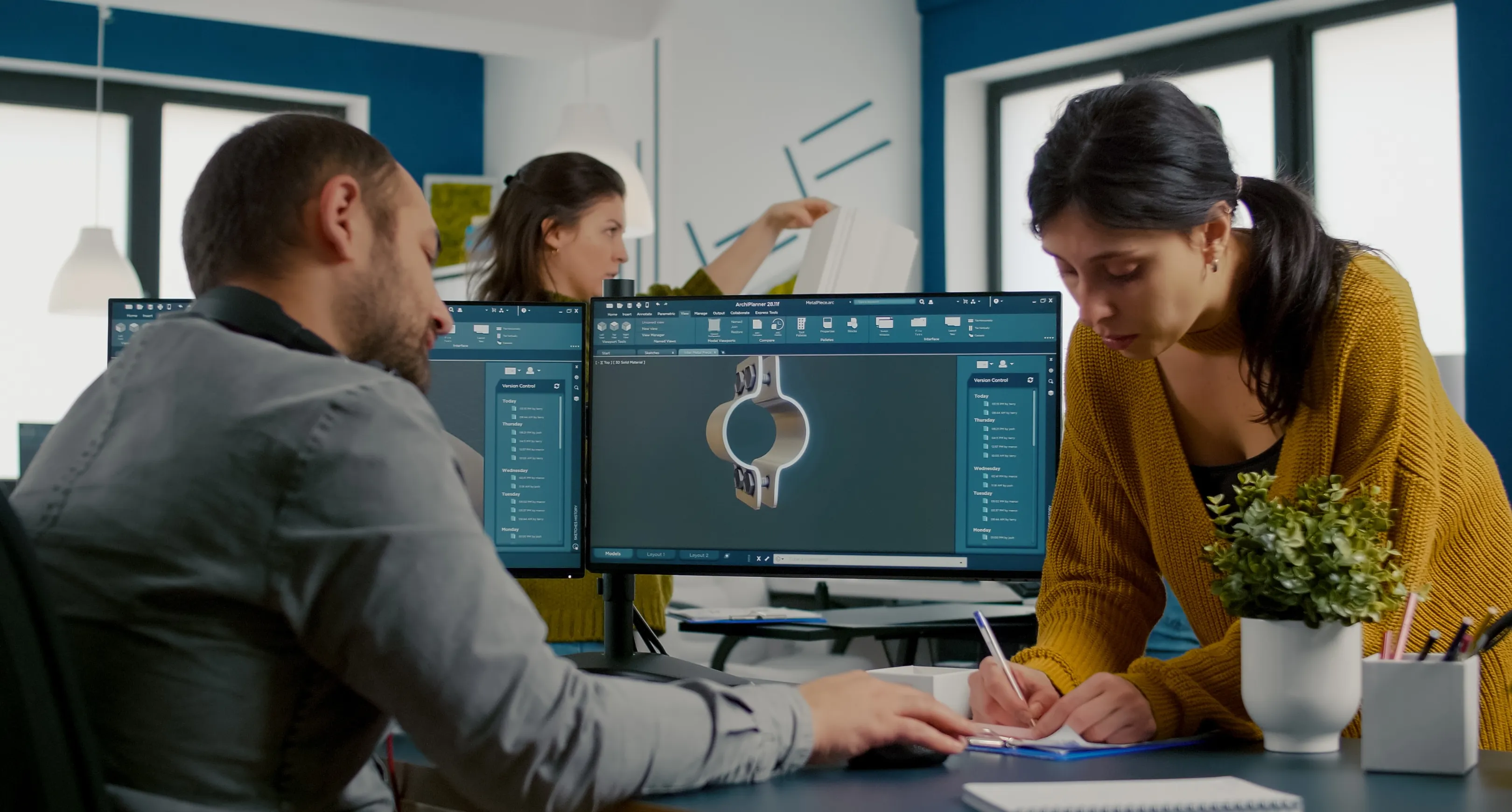
A Proven Workflow: From Idea to Interactive Prototype
1. Requirement Gathering
Understand business goals, user needs, user journeys, and key features.
A strong design workflow helps:
- Key features
- User journey
- Business objectives
- Target audience
2. Create User Flow Diagrams
Mapping user paths ensures clarity before design begins.
3. Build Low-Fidelity Wireframes
Focus on layout, structure, navigation, spacing, and content hierarchy.
A strong design workflow helps:
- Layout
- Navigation
- Hierarchy
- Space allocation
4. Develop High-Fidelity Wireframes
Add design elements—colors, typography, icons, grids, and components.
A strong design workflow helps:
- Typography
- Colors
- Icons
- Grids
- Components
5. Create Interactive Prototypes
Using Figma or Adobe XD, add animations, transitions, and realistic user interactions.
A strong design workflow helps:
- Add transitions
- Add animations
- Enable click interactions
- Mimic real user behavior
6. Conduct Usability Testing
Identify issues in navigation, flow, visuals, and functionality before development.
A strong design workflow helps:
- Navigation issues
- Confusing sections
- Visual improvements
- Missing functionalities

Common Mistakes to Avoid
- Jumping straight into high-fidelity screens
- Skipping user research or flows
- Not testing early with users
- Focusing only on visuals, not usability
- Poor handoff between designers and developers
Conclusion
Moving from wireframe to prototype is essential for building intuitive and successful digital products. With the right workflow and tools, teams can significantly reduce development risks and deliver better user experiences.
At Drenzi.in, we specialize in designing and prototyping digital products that transform ideas into high-performance interfaces.
Contact the team at Drenzi.in for a personalized UI/UX consultation today.